17th April 2026: Studio v1.17 - Page Template Layouts (e.g. Sidebars)
For those with a keen eye you may notice we’ve missed v1.16 in the changelog, this just included some bug fixes and we want to refrain from sending unnecessary updates (so that you see the important ones!)
This is an important update because we believe it’s the final piece required to be able to really build out all types of websites in Studio (including application UIs such as Portals). You can now edit the structure of your Page Templates to include Sidebars with 1 click or totally customise them beyond that. Watch the video and give it a try using the Flowbite Free Site Template.
Note: The Studio Template must use the new ‘render_shell’ include which you can update via CLI, just replace render_header/page/footer (3 includes) with render_shell (doc). This has already been done on the Flowbite free Site Template, we’ll ensure all other Siteglide Templates are updated.
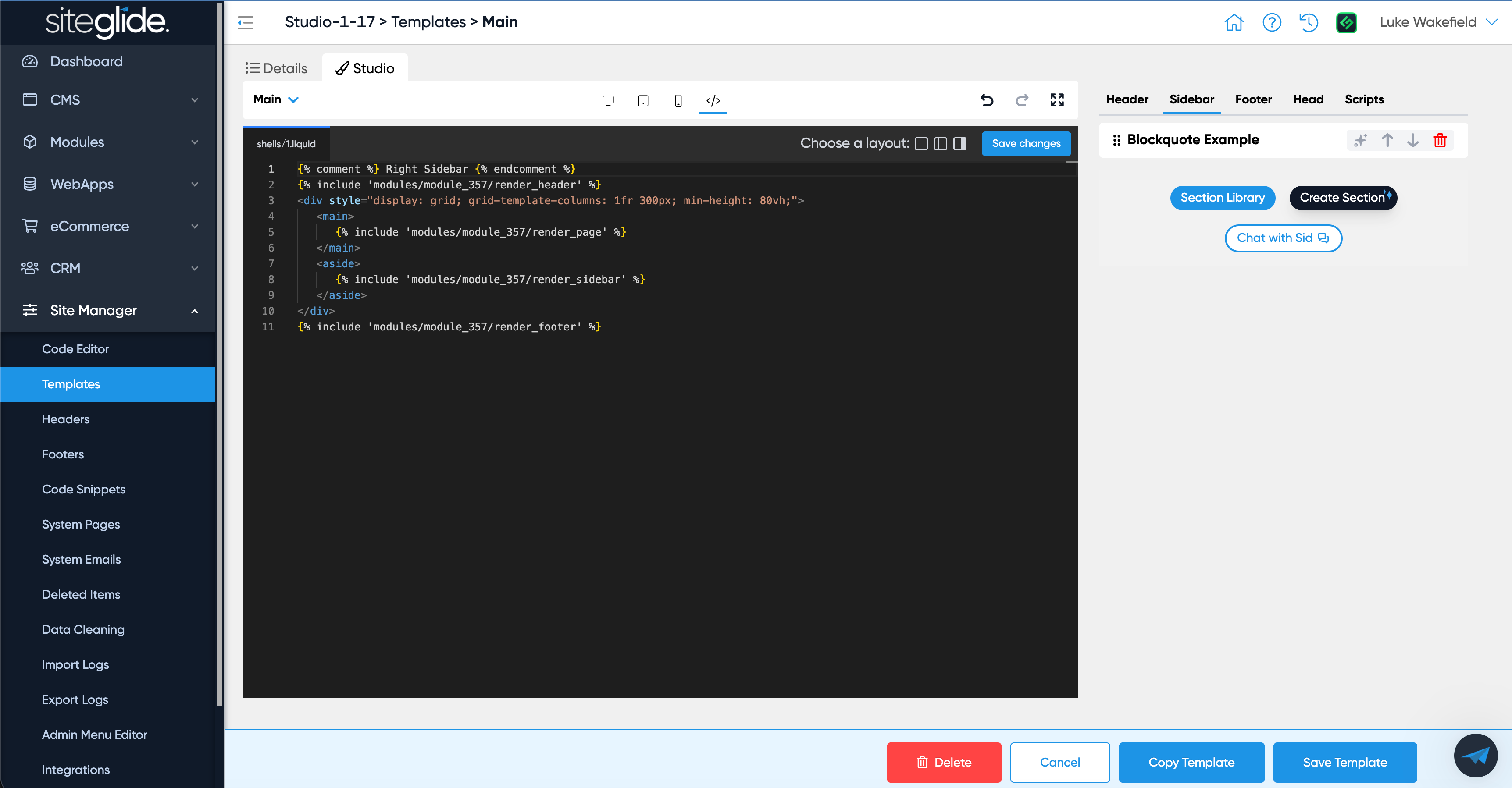
If you click the new code icon (next to the responsive options) you will see the HTML structure of the Template and fully customise it. There are 3 icons in the top right (no sidebar, left sidebar and right sidebar) that will setup the template for you with your chosen layout.
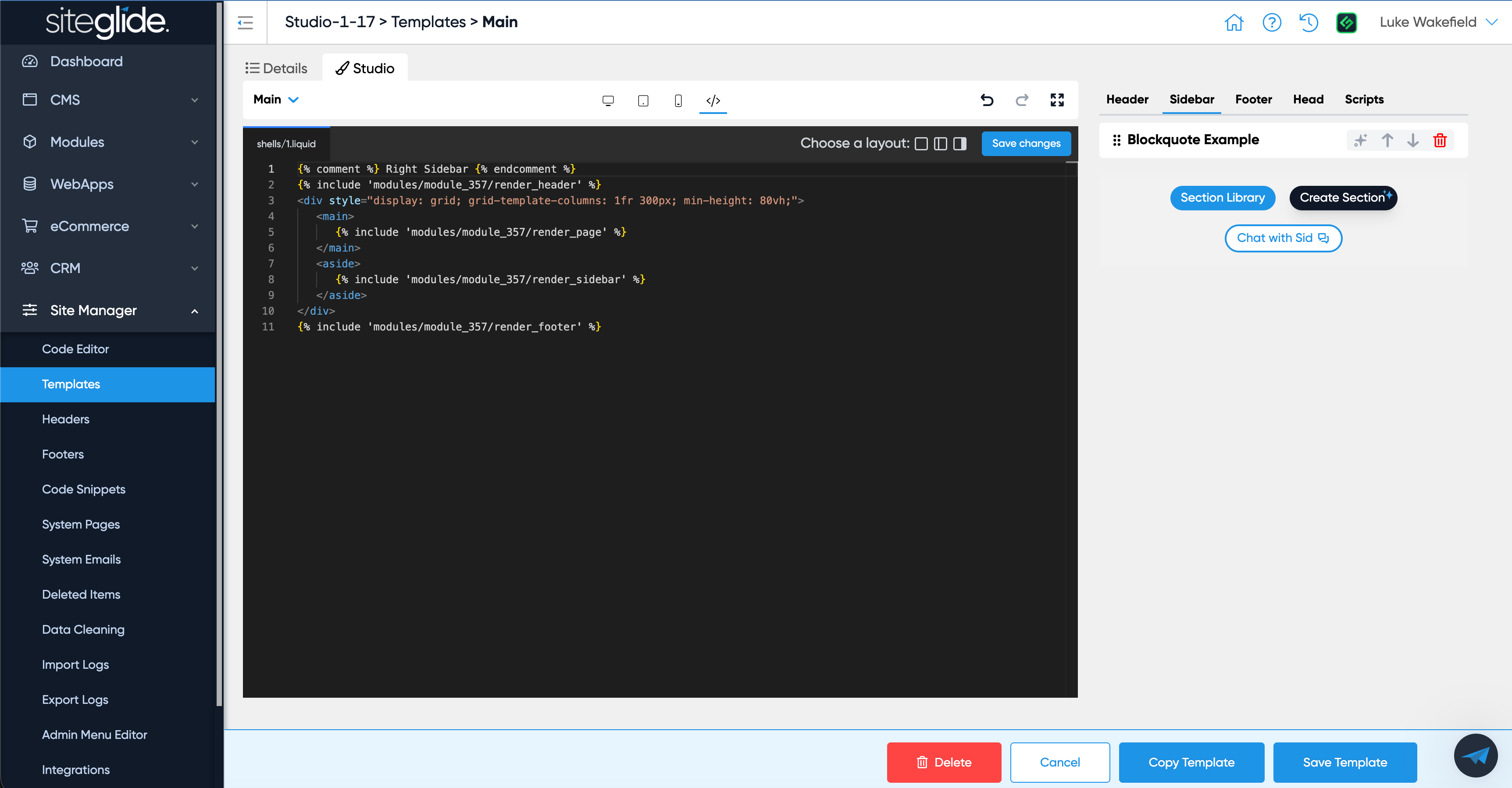
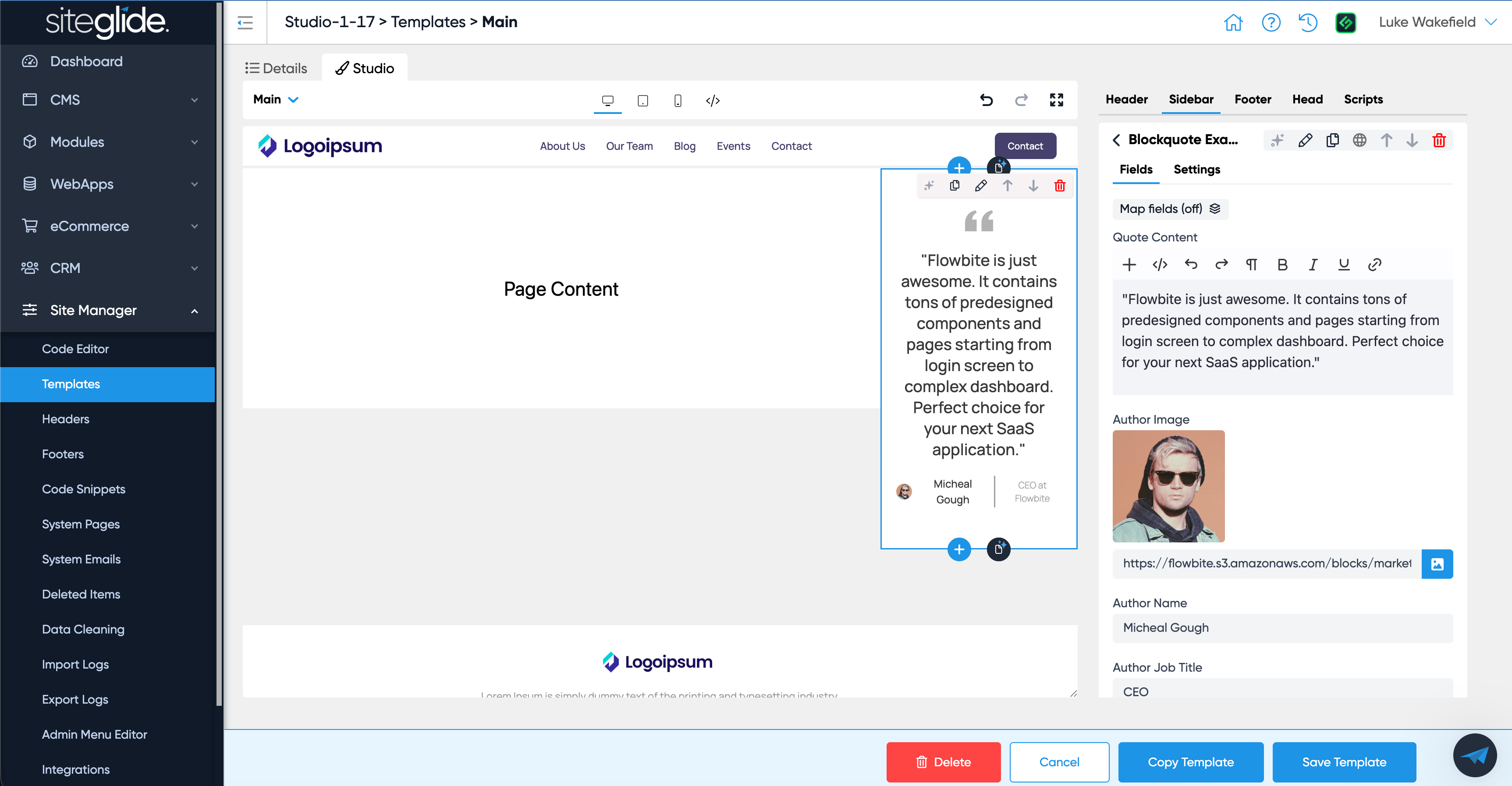
Simply click Save changes and then you can start adding and editing sections in the new Sidebar tab.
This release also includes some other fixes and improvements notably Categories now show their respective nesting.