9th September 2026: CLI v1.11 with MCP (Alpha)
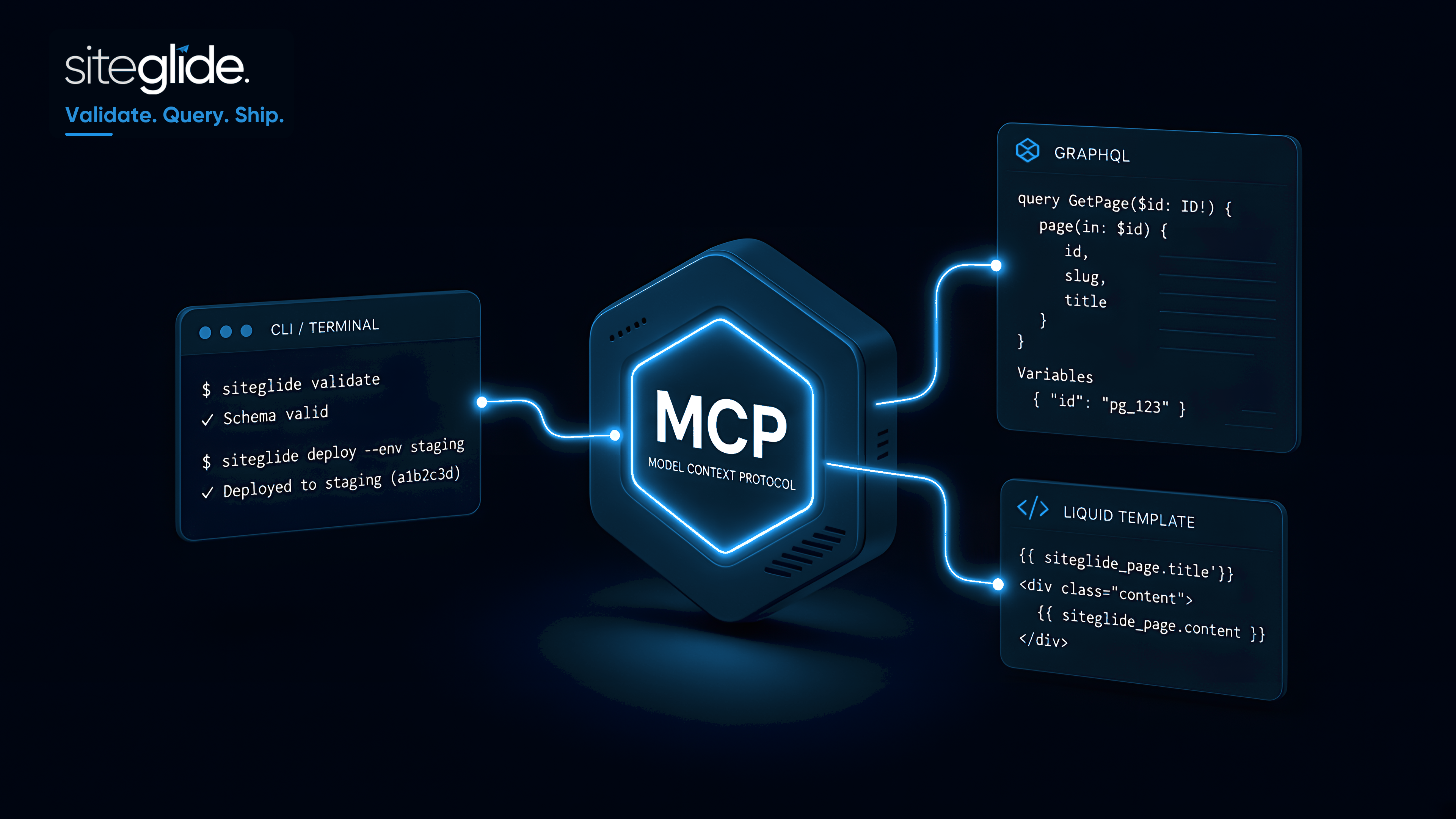
This is another big one. We're excited to announce the release of Siteglide CLI v1.11 featuring the Siteglide MCP in Alpha. MCP is Model Context Protocol and it’s a game changer in how AI can assist with getting the most from Siteglide.
Siteglide MCP is currently in Alpha and only available with CLI v1.11 onwards.
While in Alpha please use for testing purposes by copying a site to Staging.
We really value feedback while in Alpha to help us improve it and release faster.
What is it?
Siteglide MCP connects your AI coding assistant to your Siteglide project. Instead of only editing files locally, the assistant can validate Liquid, run GraphQL, evaluate templates against staging, and read logs — using the same Siteglide CLI setup you already use.
Works with Cursor, Claude Code, Windsurf, and other editors that support MCP.
What the MCP assistant can do
Production is protected: Liquid evaluation on production is blocked, and production GraphQL changes require your explicit approval.
How to get started with MCP
Full details and setup instructions: Siteglide MCP (Alpha)
Examples of MCP in action
Import pixel perfect design:
Siteglide functionality example (Chatbot):
What’s next for CLI and MCP?
Build in more wizard-like behaviour to CLI for a better user-experience:
Create a log of currently running and past commands (per env) which AI and CLI can use to understand the context pull/deploy/sync history
AI to help setup Github repo to manage versioning
Handle git conflicts smoothly by comparing files
Automated git commits before and after pull, so work is never completely lost from history
Better library for users responding to choices from the CLI
User roles and permissions to control access to CLI and MCP like with Admin.